Geometry Nodes Synchronization
Geometry Nodes is a feature for modifying the geometry of an object with node-based operations that
is currently only provided by Blender.
Meshsync will also automatically synchronize geometry node instances during DCC → Unity synchronization.
Operations
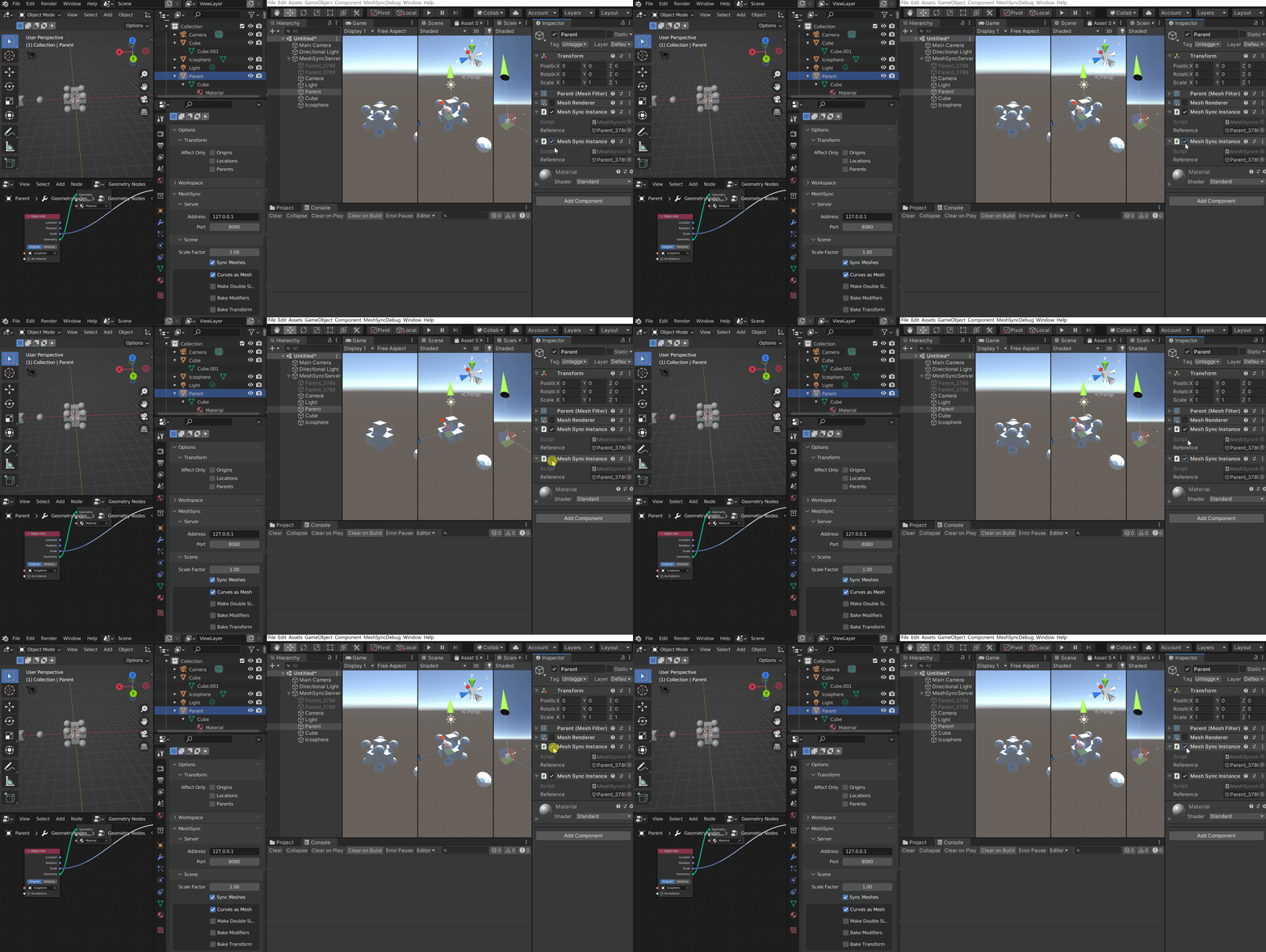
Disabling Instances
To stop rendering instances of an object:
- Click on the GameObject corresponding to the Blender object that has the geometry node modifier which generates the instances.
- Find the MeshSyncInstanceRenderer component that has a reference to the instanced object.
- Disable the component to disable the instances.
Controlling instances
We can control the rendering and world transform of instances by modifying the parent of the GameObject that is being instantiated.
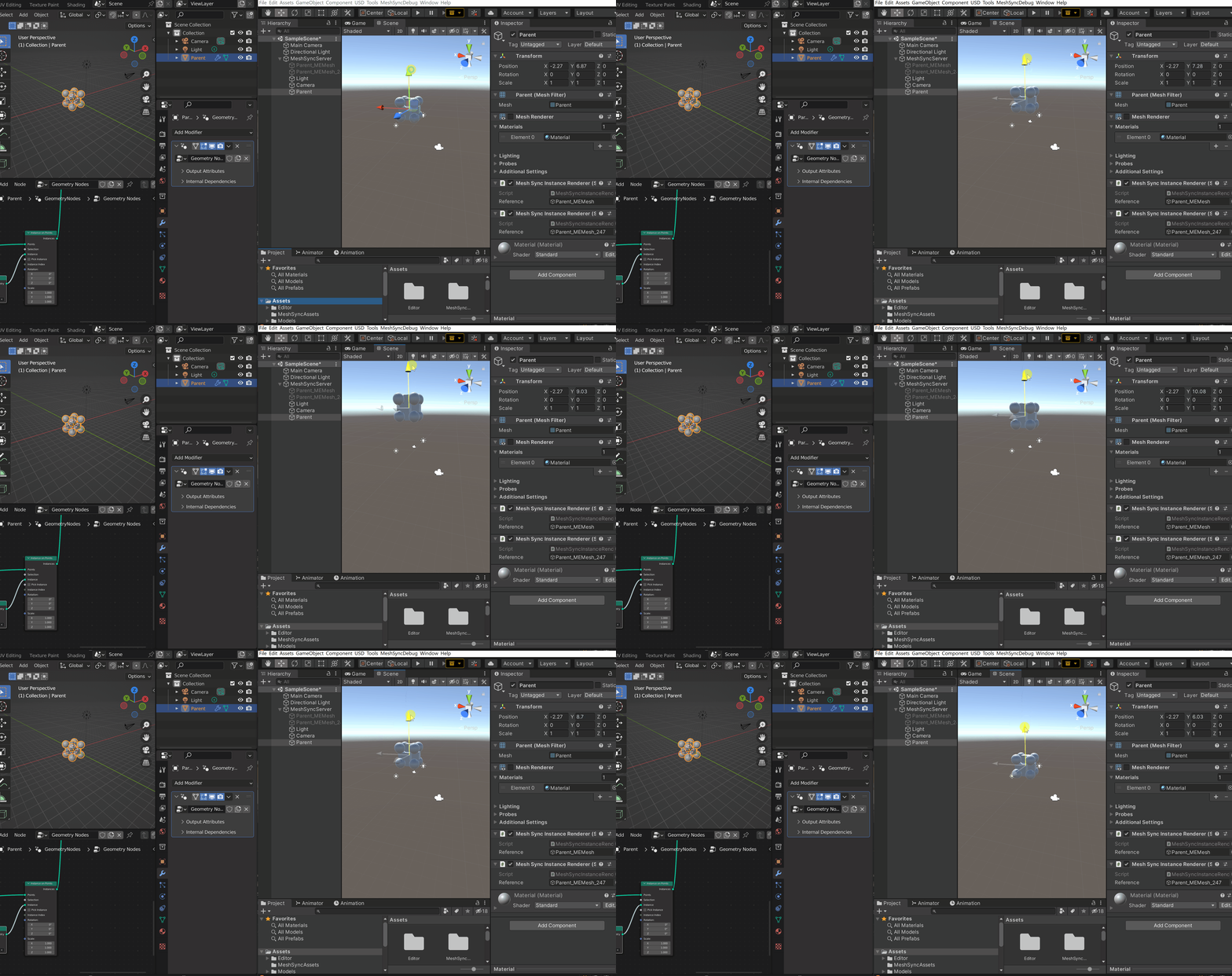
Property changes in the following components are automatically applied on instances:
| Components | Properties |
|---|---|
| Transform | * Position * Rotation * Scale * Layer |
| MeshRenderer | * Cast Shadows * Receive Shadows * Light Probes * Proxy Volume Override |
| SkinnedMeshRenderer | * Cast Shadows * Receive Shadows * Light Probes * Proxy Volume Override |
Runtime-Builds
We can create Runtime builds that render Geometry Nodes instances.
For this, make sure that the required instancing variants are not stripped by
selecting Keep All or Strip Unused option in Project Settings → Graphics → Shader Stripping → Instancing Variants.

Limitations
Currently, this geometry nodes synchronization feature has the following limitations:
- No SceneCache support.
Importing instances from a SceneCache file is not supported. - No Preview in the Inspector window.
Previewing instances inside an asset in the Inspector window is not supported. - Lights cannot be instanced. MeshSync uses copies of the instanced light GameObjects when the MeshSyncServer is in Instance Renderer mode.