Gyroscope Sample
This sample shows ways to operate the direction of a camera on the remote PC from the mobile device that equipped gyro sensor.
Usage
Procedure
1) Launch the signaling server using public mode. Please refer to this link for launching.
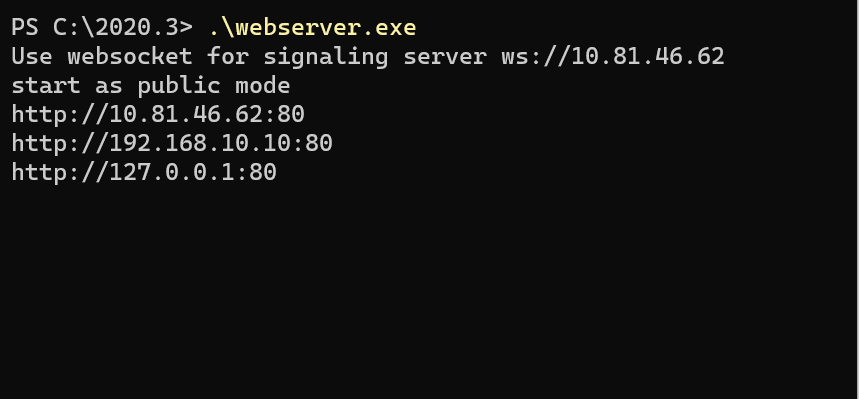
2) Build an app in Unity Editor, and launch an application on mobile device.
3) Open Menu scene in Unity Editor and click Broadcast button.
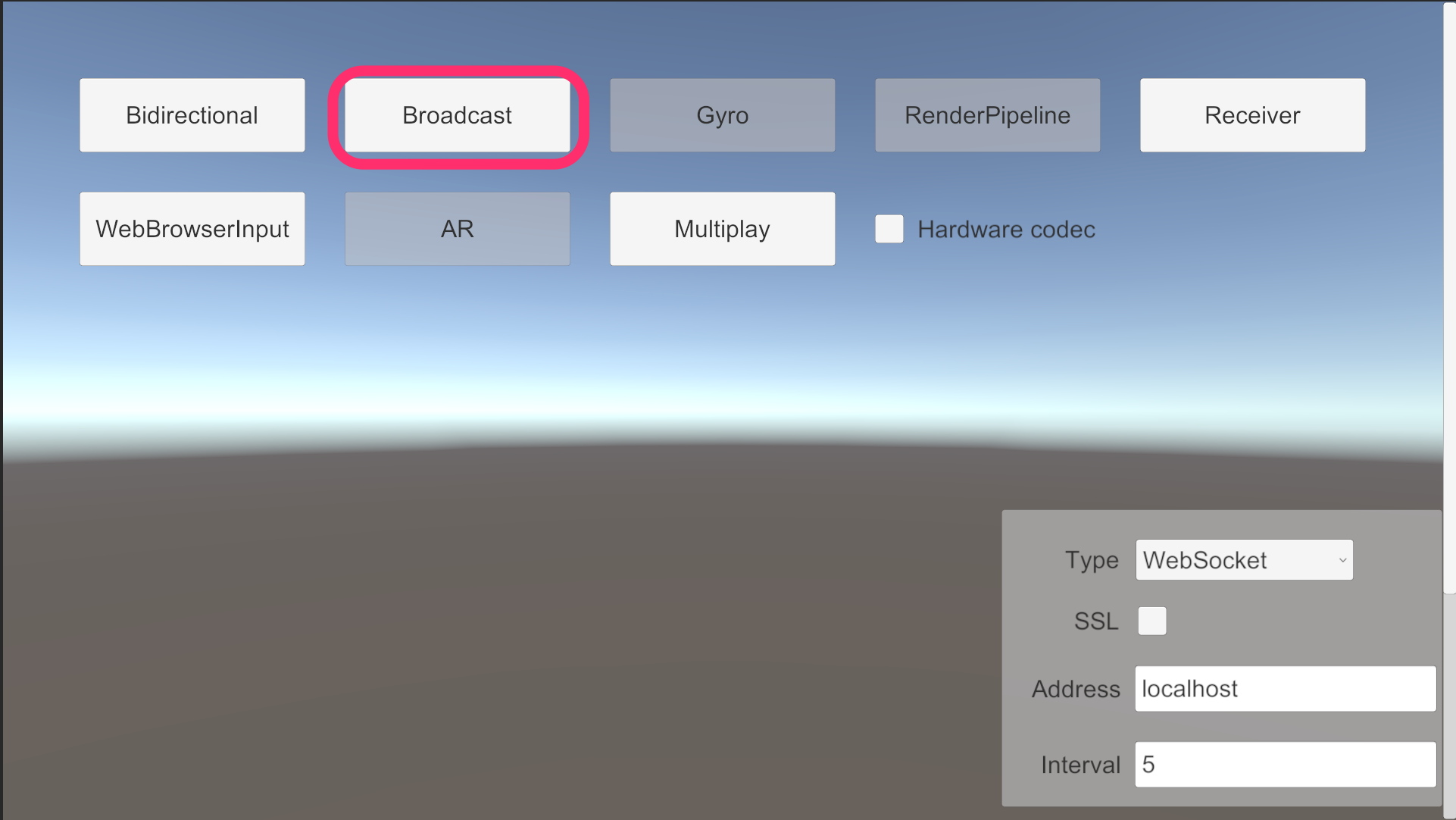
4) On mobile device, configure signaling settings, and click Gyro button.

5) Push the Start button on the device and check streaming video.
