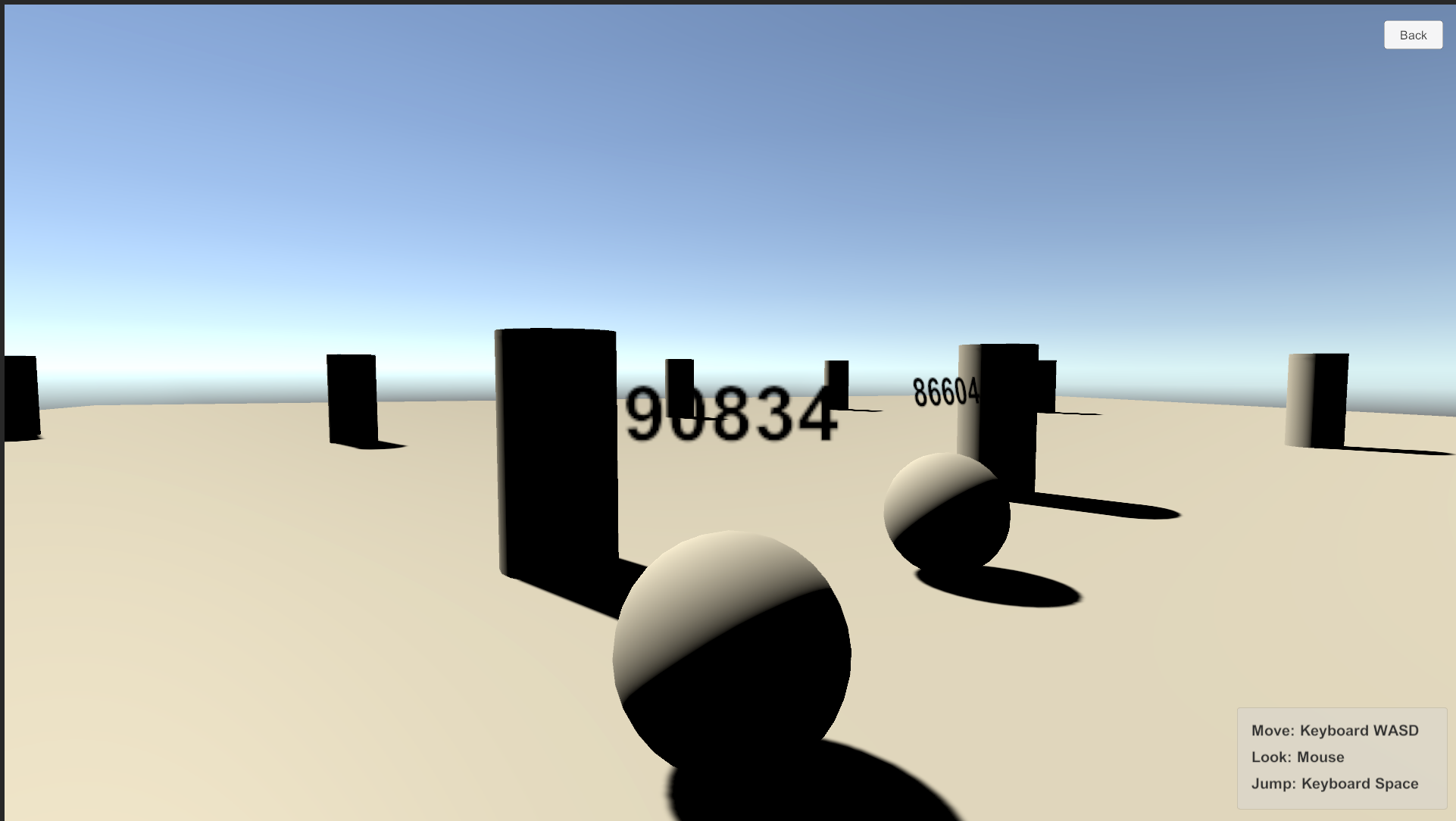
Multiplay Sample
The Multiplay sample can stream video and audio to multi Unity applications. This sample works with the combination of Unity-Unity or Unity-Browser.
Usage
Procedure
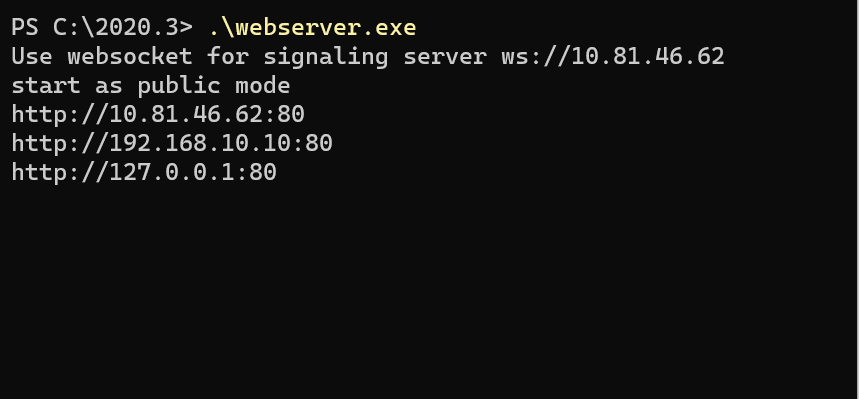
1) Launch the signaling server using public mode. Please refer to this link for launching.
2) Build an app in Unity Editor, and launch an application.
3) Click Multiplay button on the app.

4) Select host option and click Start button.

5) Click on the Play button in Unity Editor, and click Multiplay button.
6) Select guest option and click Start button.
7) Displayed same scene each screens.